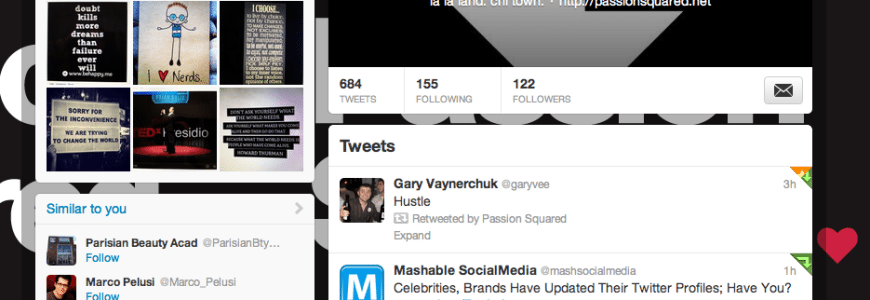
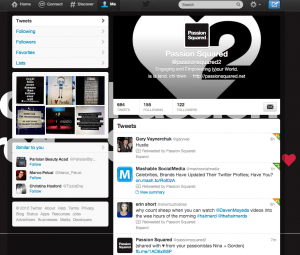
So Twitter surprised the social web yesterday when they changed their page layout.
If you are up for an adventure and love change, here is a simple step-by-step.
1. Log into your Twitter account
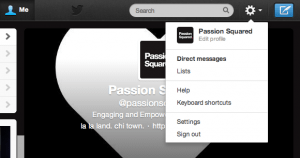
2. Go to Settings
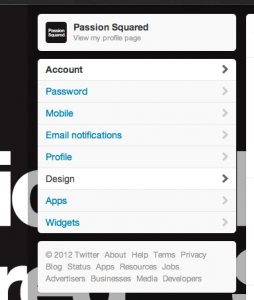
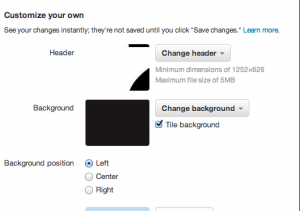
3. Click on Design
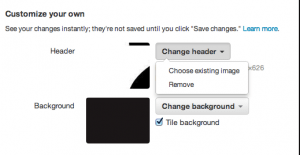
4. Click on Change header to upload a header image (you can preview it and play around a bit with different photos to see what looks the best)
5. Click Save Ta-Da! You did it! Awesome!
Do you like the “new” Twitter? Do you use Twitter for business, fun or both? Lets play on Twitter, you can follow us @passionsquared2
(shared with LOVE from your tweeting passionistas Nina + Gordon)